A photo. A starting point.
Pick your portrait. Automatic eye detection helps find the fit, with manual positioning whenever you want it.
YOUR EVERYDAY BEAUTY PLAYGROUND
Find your color. Keep what makes you, you.
Explore natural lenses, a little makeup and
a whole world of creative eye effects.
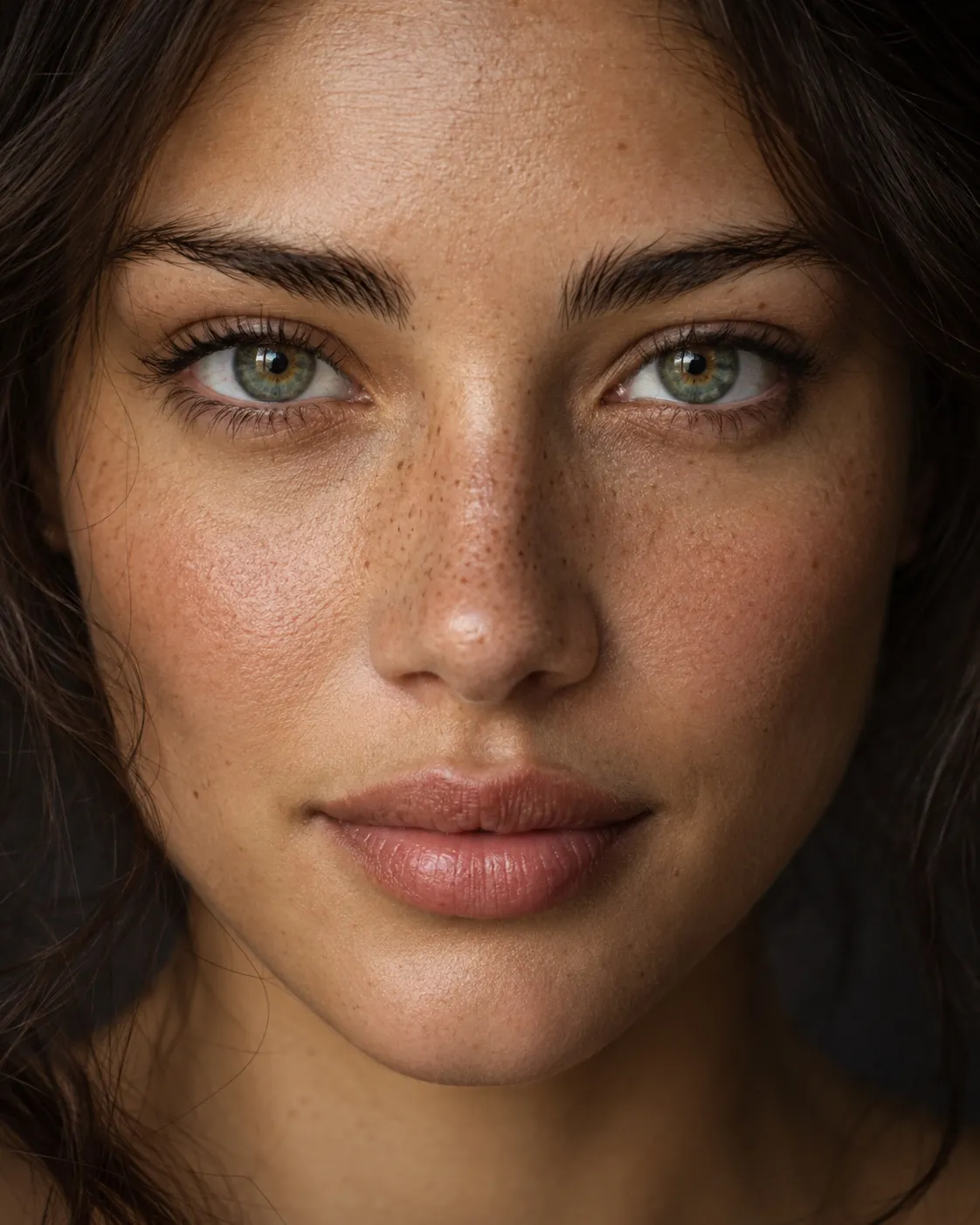
Explore on our sample portrait. Edit your own photos in the Android app.
01 / FIND YOUR EXPRESSION
Soft and subtle, or a little out there.
Dedicated editors give every detail
the attention it deserves.
Find your shade with detailed iris patterns, natural blending and control over the pupil and outer ring.
Part of your Android editing toolkitLearn more about textured lenses02 / A LOOK THAT’S ALL YOURS
Your favorite lenses. A touch of liner. A little starlight. Bring them together in Layer studio and find a combination no preset could give you.
Tap the layers in this preview to mix your look.
03 / FROM PHOTO TO “THAT’S THE ONE”
Pick your portrait. Automatic eye detection helps find the fit, with manual positioning whenever you want it.
Choose a lens, experiment with makeup or combine effects. Zoom in, adjust the details and compare with the original.
Save the result, share it, or leave an editable draft for later. Your next idea can pick up right where you left off.
Zoom, reposition and mask around the little details.
Editable drafts keep a copy of your imported photo.
JPEG and PNG photos. GIFs for animated effects.
Yes. Choose a textured lens and adjust its color, intensity, pupil clearance and outer ring. Zoom in and compare with your original to find a blend you like.
Yes. The Android editors let you enable individual eyes. The heterochromia editor also provides different colors for each eye and partial iris color sectors.
Yes. Layer studio combines up to eight effects. Each layer keeps its own settings, visibility and mask, while sharing the same eye positions.
This website offers an illustrative preview on a sample portrait. Photo import, eye detection, precise fitting and image export are features of the Android app.
Yes. Most editors are free; saving asks for one short video and adds a small Irisa mark, which another video removes. Irisa Pro removes ads and the mark and unlocks creative effects, animated eyes, hair and background. See the full FAQ for details.
Yes. Editable drafts retain your source photo, eye positions, layer settings and masks. Reopen them from My Creations in the Android app.
Irisa is being developed for Android. A verified download link will be added here when its store listing is ready.
SOME THINGS JUST FEEL MORE YOU.
Your next favorite look is a little curiosity away.
Try your next look ANDROID APP IN DEVELOPMENT · EXPLORE THE PREVIEWAnswers come from this website, searched in your browser.