Detect the eyes.
Irisa finds the eye outline the lashes should follow.
EYELASHES
Go natural, add volume or turn up the drama. The eyelash editor places lashes along the line of each eye, and you control length, curl, color and placement so they sit where real lashes would.
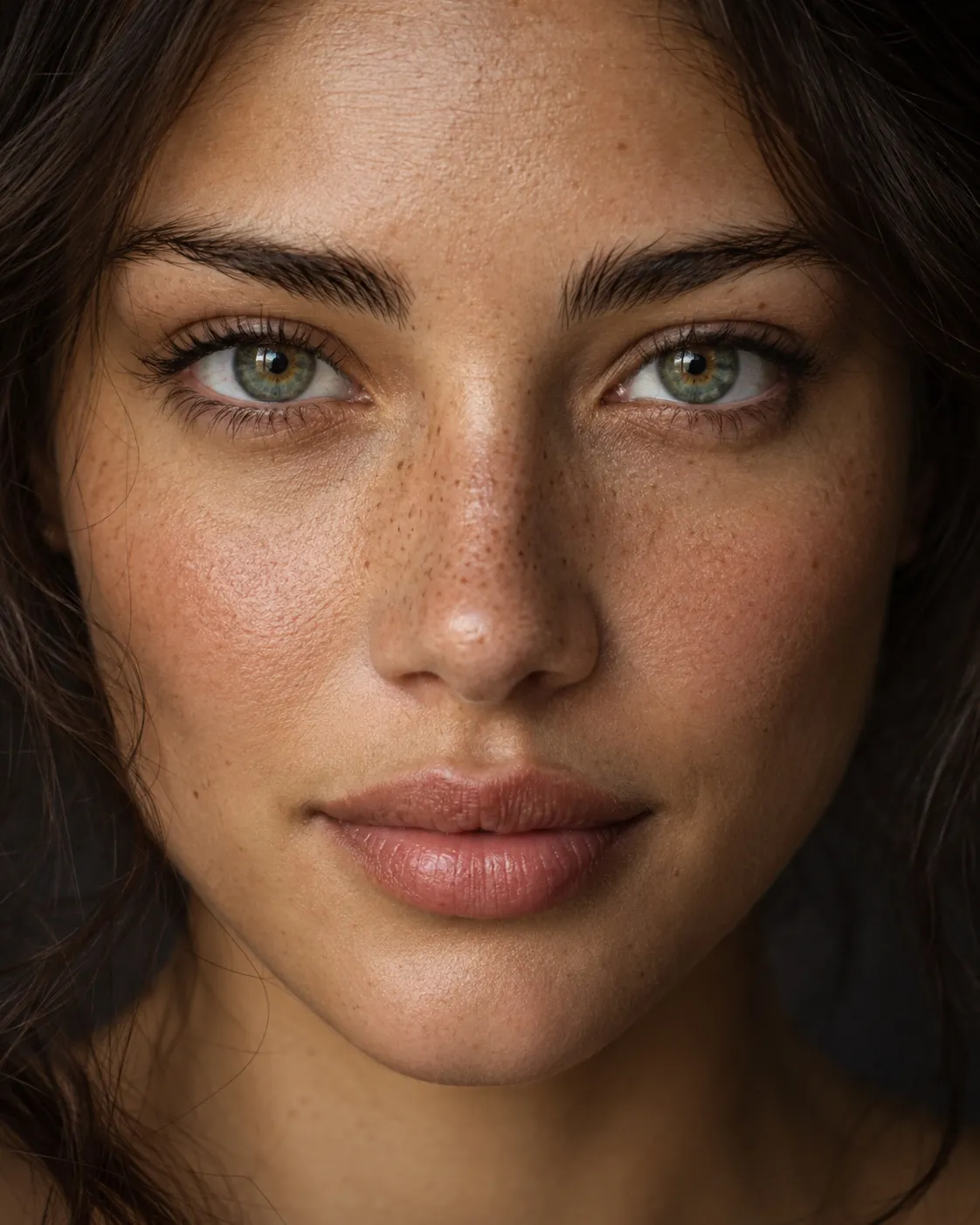
The full eyelash editor with all its controls is in the Irisa Android app.
HOW IT WORKS
Irisa finds the eye outline the lashes should follow.
Natural, volume or dramatic, then set length and curl.
Fine-tune color and position, and mask any area you want to keep untouched.
Natural, volume and dramatic lashes.
Shape the lashes instead of stamping one sticker.
Combine with eyeliner, eyeshadow and lenses in Layer studio.
Yes, this editor is free to use. Saving asks for one short video and adds a small Irisa mark in the corner; watch one more video to save without the mark. Irisa Pro saves straight away, with no ads and no mark.
Start with the natural style and short length; lashes follow your eye line and can be masked where needed.
Yes. Lash color is adjustable.
Yes, with the eyeliner editor, or combine both in Layer studio.
Yes, this editor is free to use. Saving asks for one short video and adds a small Irisa mark in the corner; watch one more video to save without the mark. Irisa Pro saves straight away, with no ads and no mark.
KEEP EXPLORING
Try eyeliner, eyeshadow and eyebrow looks on your photos. Winged, smoky and graphic liner, two-color shadow with matte, shimmer or glitter finishes.
ExploreChange your eye color in photos with textured lenses that keep real iris detail. Natural blues, greens and hazels, adjustable intensity and pupil control.
ExploreRemove flash red-eye, brighten tired eyes, reduce under-eye shadows and bring out iris detail, while keeping your photo's real texture.
ExploreSOME THINGS JUST FEEL MORE YOU.
Your next favorite look is a little curiosity away.
Try your next look ANDROID APP IN DEVELOPMENT · EXPLORE THE PREVIEWAnswers come from this website, searched in your browser.