Pick a portrait.
Import a photo or take one. Hair, person and background are detected on your device.
HAIR & BACKGROUND PRO
Finish the look beyond the eyes. Irisa finds your hair and separates you from the background on your phone, so you can try a new hair color, soften a busy background like a portrait lens or swap it for something new.
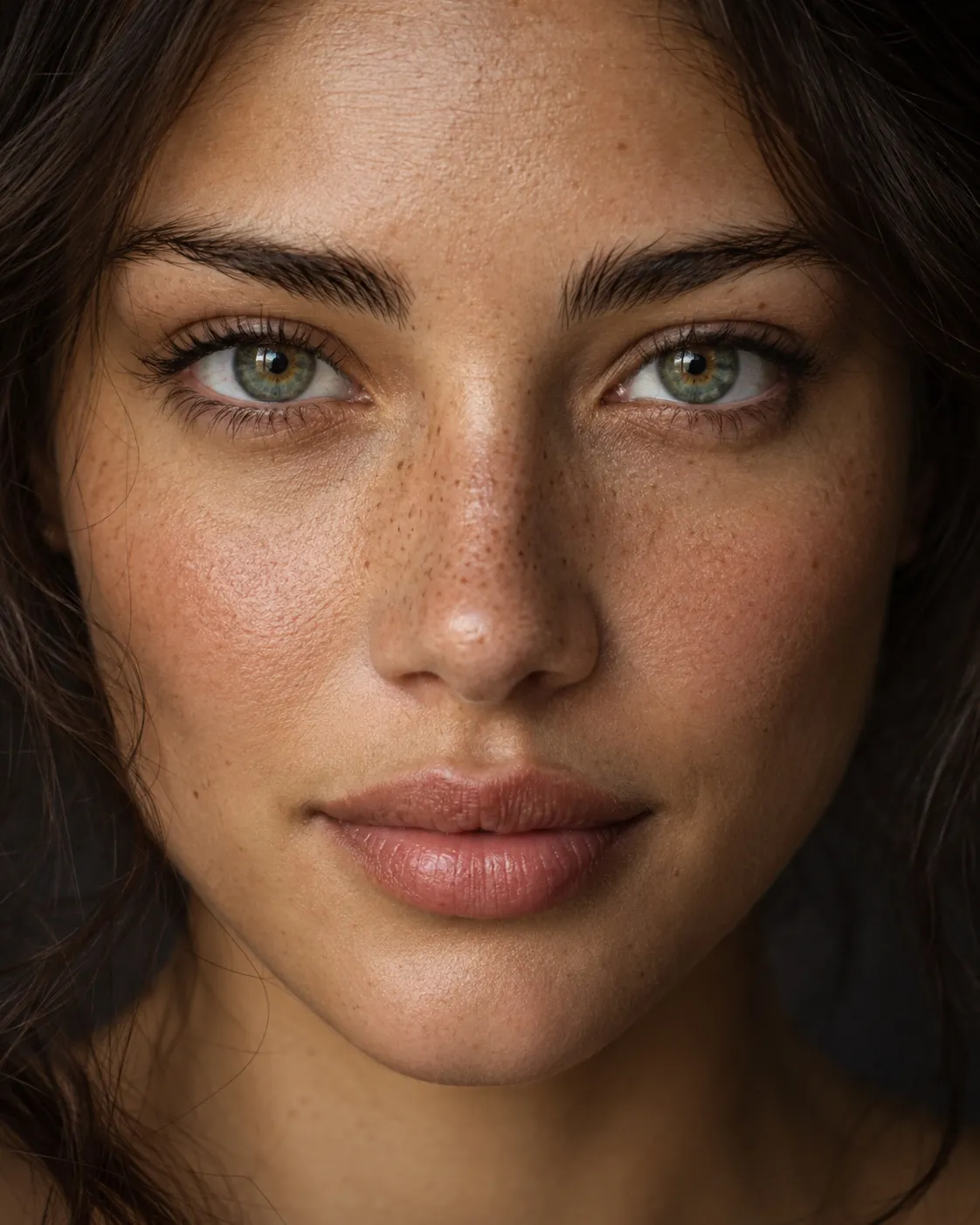
The sample preview shows eye color only. Hair color, background blur and background replacement are in the Irisa Android app.
HOW IT WORKS
Import a photo or take one. Hair, person and background are detected on your device.
Recolor your hair, blur the background or replace it, and set the strength.
Check against the original, then save or keep a draft. Combine it with any eye look.
Natural and bold shades that keep the light and strands of your hair.
A soft, portrait-lens blur behind you, with adjustable strength.
Swap the background while you stay sharp in front.
This is an Irisa Pro editor. Without Pro, you unlock each use by watching a short video; with Irisa Pro it is always unlocked. Saving asks for one short video and adds a small Irisa mark in the corner; watch one more video to save without the mark. Irisa Pro saves straight away, with no ads and no mark.
An on-device segmentation model separates hair, person and background. Your photo is not uploaded.
Yes. Hair and background edits work together with lenses, makeup and creative eye effects.
Yes. Background blur keeps you sharp and softens what is behind you.
This is an Irisa Pro editor. Without Pro, you unlock each use by watching a short video; with Irisa Pro it is always unlocked. Saving asks for one short video and adds a small Irisa mark in the corner; watch one more video to save without the mark. Irisa Pro saves straight away, with no ads and no mark.
KEEP EXPLORING
Change your eye color in photos with textured lenses that keep real iris detail. Natural blues, greens and hazels, adjustable intensity and pupil control.
ExploreTry eyeliner, eyeshadow and eyebrow looks on your photos. Winged, smoky and graphic liner, two-color shadow with matte, shimmer or glitter finishes.
ExploreFill your irises with galaxy color or a neon glow. Cosmic purples, electric blues and glowing mints with adjustable intensity.
ExploreSOME THINGS JUST FEEL MORE YOU.
Your next favorite look is a little curiosity away.
Try your next look ANDROID APP IN DEVELOPMENT · EXPLORE THE PREVIEWAnswers come from this website, searched in your browser.